Guide for clinics
How to handle patients on WhatsApp
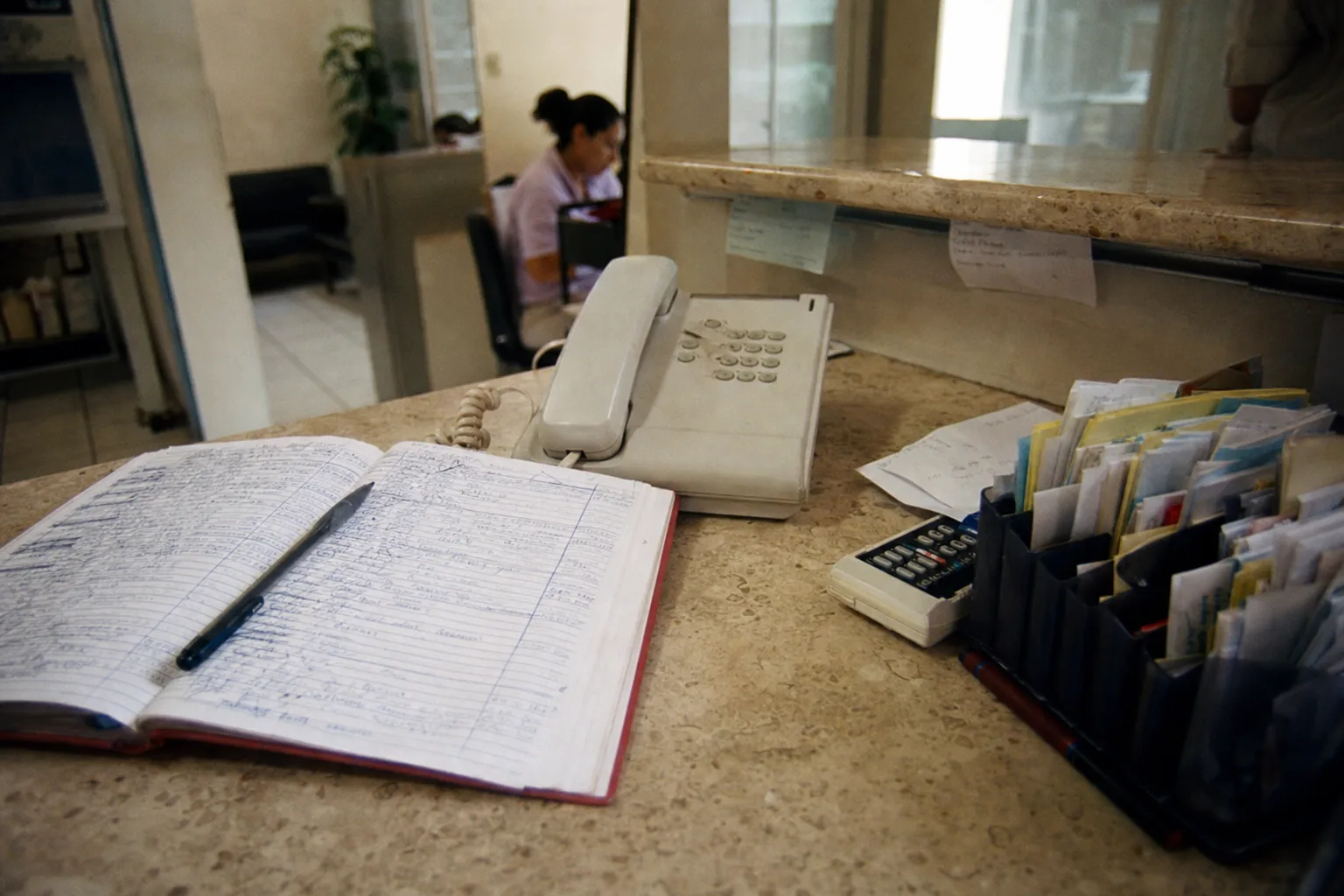
Patients prefer WhatsApp for booking, asking and following up, and their messages do not arrive during reception hours: they arrive on Sunday night, while somebody is in the chair, or exactly when tomorrow's schedule is being confirmed. Each one has to be read, matched to a slot that genuinely exists, and typed in.
This guide is the operational order of that conversation: what to answer before an assessment exists, how to book without typing every request in, how to confirm the next working day, and how the patient comes back for a recall. It works for a single-chair practice and for a clinic with several dentists.
The four conversations a clinic gets
The first is booking: somebody asks for space this week, usually without saying what for. The second is price before any assessment exists. The third is confirming, rescheduling or cancelling. The fourth almost never arrives on its own: the recall visit and the treatment left half finished.
Each needs a different answer, and only the first feels urgent. In practice the fourth is what holds up next month's schedule.
Live
See it working
Booked inside the conversation
Appointment confirmed · Thursday 10:30
Eva offers open slots and books the one the customer picks.
WhatsApp reminder
Rescheduled in your calendar
Eva sends the reminder and reschedules when needed.
Your team, one click
Take over this conversation?
Answer it yourself, or escalate so another team member handles it.
Eva stays quiet until it is handed back
Your team takes the conversation in one click and Eva goes quiet.
What to answer when they ask the price
The real price comes after the examination: the dentist records findings, builds the treatment plan and hands over a quote with applicable prices, promotions, warranties and alternatives. The patient then decides which treatments to accept.
What can be said beforehand is what your clinic already published: the cost of the assessment visit and whatever reference prices you defined. Saying it with that boundary drawn avoids both bad exits: silence, which reads as expensive, and a figure that has to be corrected later.
The useful sentence is short and promises nothing: what the assessment costs, what it includes, and that the quote comes out of it. That is enough for the patient to decide whether to come in, which is the only decision they have to make at that point.
How to book without typing every request in
Booking well needs three things at once: reason for the visit, whether this is a first-time patient, and real availability by appointment type, duration, chair and the treating dentist's hours. Without all three, what gets offered is slots that have to be moved later.
The order that works is to ask the reason before offering a time, not the other way round. A cleaning, an emergency and an orthodontic assessment do not occupy the same space, and offering the slot first guarantees a reschedule the moment the reason becomes clear.
When the dentist's calendar already lives in a shared tool, busy events have to block availability on their own. Availability checked by hand produces a double booking the first day two people answer at once.
Confirming the next working day
Confirming the next working day's schedule is a daily reception task, and it is not a loose message: it asks the patient to confirm date, time and treating dentist, and it updates the appointment's state to confirmed, rescheduled, cancelled or unanswered in whatever system holds the schedule.
What makes the task unpleasant is the chasing. A reminder that goes out on its own, with rescheduling available in the same conversation, removes that friction: the patient who cannot come says so, and the slot gets reassigned instead of being discovered at appointment time.
What goes unanswered is not lost either. Leave the conversation with its state so reception can pick it up knowing where it stopped, rather than starting over each morning.
Recalls and half-finished treatment
Mexico's social security institute recommends a check-up every six months. Almost no clinic sustains that cadence, not for want of knowing it, but because remembering five hundred recalls by hand is impossible and demand mostly arrives once there is already a problem.
Follow-up that works is not a bulk message. It is returning to the conversation that already existed, carrying the context of what was done and what is still pending, with the option to book right there.
Treatments with periodic visits, orthodontics being the obvious case, carry their own cadence and their own incidents: a loose bracket does not wait for the recall. Separating those patients from the rest early is worth the effort.
What never leaves a WhatsApp conversation
The diagnosis. A photo of a tooth or an X-ray works as context for the team; the clinical reading belongs to the dentist, and saying so plainly protects both the clinic and the patient.
The clinical record. History, findings, treatment plan and consent forms make up a legal set of documents that lives in your system, not in a message thread.
Another patient's data. Reception has to be able to answer without exposing schedules, treatments or balances belonging to somebody other than the person writing.
Where an AI agent fits, and where it does not
Eva handles the first stretch: it answers at any hour, asks the reason for the visit and whether this is a first-time patient, checks real availability in your calendar, proposes slots that exist, and books. It then sends the reminder over WhatsApp or email, reschedules when the patient cannot come, and leaves the contact and the opportunity recorded in the CRM.
It carries follow-up on its own: sequences of up to five steps with delays reaching one hundred and eighty days, which is exactly where a six-month recall falls. Each follow-up runs a full agent turn, so it can check the calendar, update the CRM, reschedule, or decide this is not a moment to write.
Where it does not fit: it does not diagnose, it does not issue the quote, and it does not replace the clinical record. The moment somebody on your team replies in the thread, Eva goes quiet and pending work freezes until control is handed back.
Methodology
Methodology
- Write down your appointment types with their real duration and which chair or dentist they occupy; without that there is no schedule to automate.
- Define what can be said about price before the assessment, in writing, with its validity period.
- Fix the order: reason for the visit first, time slot second.
- Let already-busy calendar events block availability instead of checking it by hand.
- Confirm the next working day asking for date, time and dentist, and record the resulting state.
- Schedule the recall from the previous appointment, not once the gap has already appeared.
- Keep record, diagnosis and consent in your clinical system, outside the message thread.
Related pages
Put Eva to work.
Tell us how you book today and we will show you which part of this guide can be handled without reception typing every request in.
Message us on WhatsAppUpdated